
User manual for the Nextbase dash cam covering charging, microSD care, installation, basic operation, menus, playback software, firmware updates, and FAQs.
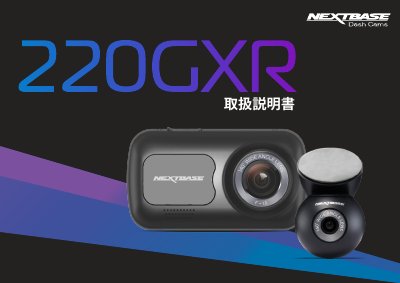
This user manual covers the Nextbase dash cam’s first-use steps, including charging with a USB cable for about two hours, using a genuine Nextbase microSD card, and understanding automatic start/stop and minute-by-minute video file recording.
It also provides installation and safety guidance, microSD formatting and maintenance, menu operation, MyNextbase Player and MyNextbase Cloud information, computer connection and firmware update details, FAQ topics, CE information, warranty, and compliance information. This manual is written in Japanese.
| LCD pixel count | 1,229,760 pixels |
|---|---|
| LCD dot dropout rate | 1 pixel = 0.0000008% |
| Video file recording interval | Minute-by-minute files |
| Initial charging time | About 2 hours |
Charge it for about two hours using a USB cable connected to a PC or power source.
Use a genuine Nextbase microSD card. The manual states that operation with non-genuine cards is not guaranteed.
Install it above the rearview mirror, within 20% of the windshield area from the top, without obstructing the driver’s view.