
The Netac C620 MP3 Player User Manual provides operating instructions, feature descriptions, and technical specifications for the portable music player.
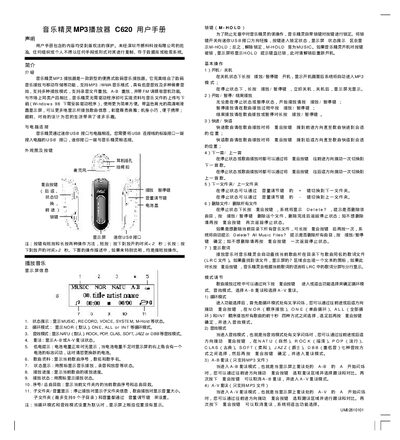
This manual describes the Netac C620 MP3 Player, a portable digital music device that supports MP3/WMA playback, recording, A‑B and A‑V repeat, FM radio, and USB mass‑storage connection. It explains basic operations such as power on/off, play/pause, track navigation, volume control, and file management.
The guide also covers system settings (backlight time, auto‑off, contrast, language), computer connection via the mini‑USB port, FM radio usage, and the included utility software for Windows. Technical specifications such as storage capacity, display, power source, and dimensions are listed at the end of the document. This manual is written in Chinese.
| Storage capacity | 32 MB ~ 512 MB |
|---|---|
| Display | High‑definition LCD |
| Output frequency | 20 Hz ~ 20 kHz |
| Signal‑to‑noise ratio | 285 dB |
| Power source | USB bus power or AAA battery |
| Data read/write speed | 400 KB/s |
| Playback time | >10 hours |
| Dimensions (L×W×H) | 76 mm × 25 mm × 25 mm |
| Weight | 20 g (without battery) |
Connect the mini‑USB port on the player to a USB port on the computer; the device will be recognized as a removable disk.
Enter the System Settings menu, select BCKLight, and choose a timeout from 0 to 30 seconds (0 disables the backlight).
The built‑in FM radio receives frequencies from 87.5 MHz to 108 MHz.