
The Netac AirTrack T600 wireless router user manual provides setup steps, configuration options, and technical specifications for the device.
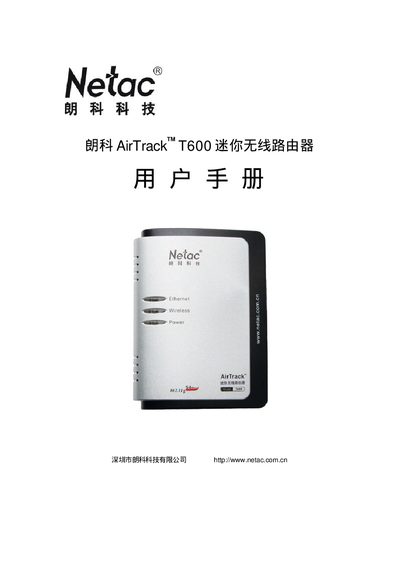
The Netac AirTrack T600 is a wireless networking device designed for SOHO and home environments. It provides wireless network access and supports multiple operation modes to suit different networking needs.
The device can be configured via a Web interface and supports various modes including AP Router, Repeater, Point-to-Point (P2P), Point-to-Multipoint (PMP), and Client mode. This manual is written in Chinese.
| Default IP Address | 192.168.1.1 |
|---|---|
| Default Password | password |
| Maximum Data Rate | 54Mbps |
The default IP address is 192.168.1.1, the username is 'admin', and the password is 'password'.
The default IP address is 192.168.1.1.
The default username is admin and the password is password.