
NEC SV9100 Desi-Less/Line Keys Multiline User Guide

This user guide provides instructions for the NEC SV9100 Desi-Less/Line Keys Multiline phone, covering function keys, voicemail setup, call transfer, and…
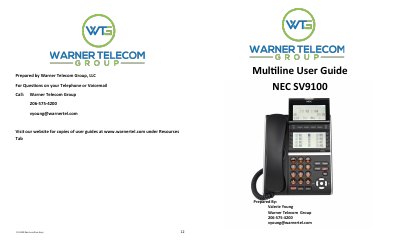

NEC SV9100 Desi-Less/Line Keys Multiline User Guide - cover page
Brand
NEC
Category
Other Electronics
Document type
User Manual
Language
English
Pages
6
File format
PDF
File size
750 KB
Published
18 October, 2026
Updated
18 October, 2026
Model
SV9100
MD5 checksum
C7812666A51A071A2A377C04D272A2AE

About this manual

This document serves as a user guide for the NEC SV9100 Desi-Less/Line Keys Multiline telephone system. It details the operation of various hardware keys, including function keys, line keys, and programmable keys, as well as softkeys displayed on the phone's LCD. The guide explains how to manage calls, use the intercom feature, and operate the handset and speakerphone.

What's inside

  • Function Keys
  • Basic Features
  • Hold and Transfer
  • Conference Calling
  • Accessing Voicemail
  • Voicemail Setup
  • All Call Page
  • Advanced Features

Frequently asked questions

How many programmable keys are available on the phone?

The phone has a total of 32 programmable keys.

What number must be dialed to access voicemail from outside the office?

You must dial the Voicemail Back Door Number.

What is the dialing sequence to place a call on Park?

Press an available Park Key to place the call on Park.

Download PDF (750 KB)

More NEC Manuals


View all NEC manuals →