
A quick reference guide for the NEC SV9100 business phone system covering call handling, features like transfer and conference calls, and system programming…
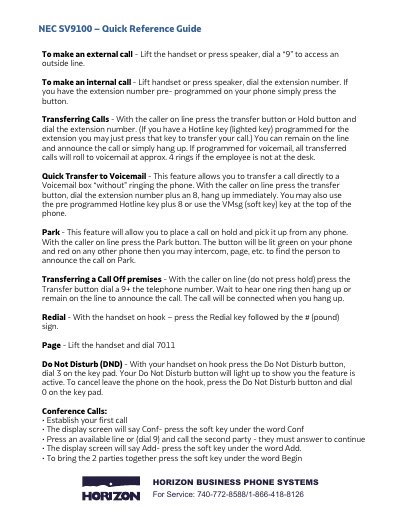
This document serves as a quick reference guide for the NEC SV9100 Horizon Business Phone System. It provides step-by-step instructions for making external and internal calls, transferring calls to voicemail or other extensions, parking calls, and setting up conference calls using soft keys.
The guide also details how to program various system features such as call forwarding (no answer, busy), Do Not Disturb settings, ring volume adjustment, changing display names, and selecting ring tones. A comprehensive list of feature codes for functions like Call Pickup, Page, and Time Setting is included.
Lift the handset or press speaker, dial a '9' to access an outside line.
Press the transfer button, dial the extension number plus 8, and hang up immediately.
Press speaker and dial 720, then press 2 to select a tone using the keypad.