
This is the Chinese user manual for the Naim UnitiServe hard disk player, covering setup, connections, interface operation, playback features, and…
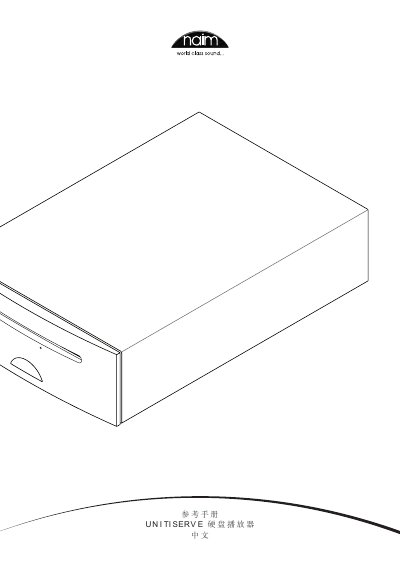
The Naim UnitiServe is a networked hard disk player designed to revolutionize music access. Unlike traditional CD players that simply copy audio from discs, the UnitiServe automatically reads and stores CD data for later playback. It can also store and play audio files from connected network hard drives, which may include ripped CDs or other compatible formats.
The device supports multiple user interfaces depending on the installed system, including an external display with keyboard/mouse, a web browser interface, a desktop client for Windows XP/Vista/7, and NaimNet/StreamNet touchscreens. It functions as a UPnP server and offers six NaimNet/StreamNet network streams for remote playback. This manual is written in Chinese.
| Operating Temperature Limit | 35 degrees Celsius |
|---|
The device should not operate in an environment where the temperature exceeds 35 degrees Celsius.
You can save up to 40 network radio stations as your favorite stations.
For best results, use the NaimDC1 digital coaxial interconnect cable.