
The Naim UnitiServe Hard Disk Player Reference Manual provides setup, connection, and operation instructions for the network‑enabled audio player.
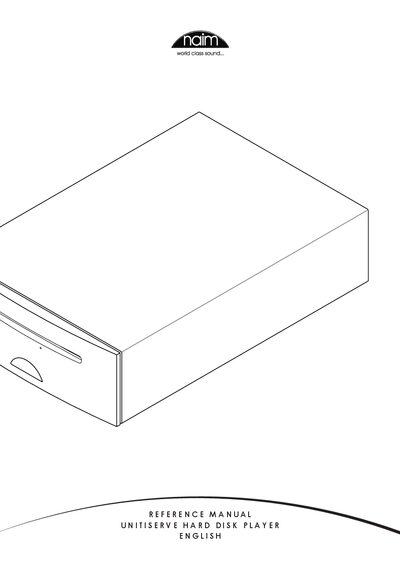
This reference manual covers everything needed to install and use the UnitiServe Hard Disk Player. It explains the various user interfaces – external display, web browser, desktop client, NaimNet/StreamNet touch screen, and mobile apps – and guides you through initial setup, network configuration, and power connections.
The guide also details playback functions, CD ripping, external storage options, system menus, and maintenance procedures such as software upgrades, data backup, and safe shutdown. Technical specifications and user notes are provided at the end of the document.
| Power Supply | External power supply |
|---|---|
| Digital Audio Output (Coaxial) | BNC coaxial S/PDIF |
| Digital Audio Output (Optical) | TosLink optical S/PDIF |
| Network Connection | Ethernet RJ45 socket |
| Video Output | S‑video and composite video sockets |
| USB Interface | USB ports for keyboard, mouse, touch screen, and storage devices |
Connect the Network Socket on the rear panel to your router and ensure the unit has a working internet connection.