
This Naim user manual provides safety instructions, installation steps, connection details and specifications for its pre‑amplifiers, integrated amplifiers…
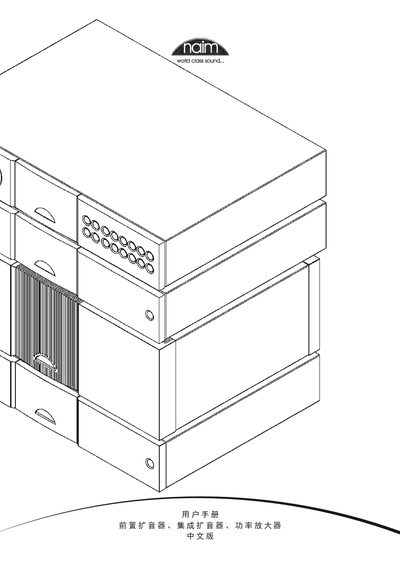
The manual begins with safety information required by European regulations, covering grounding, fuse requirements, and how to avoid radio interference. It then describes general installation guidelines, including device positioning, handling heavy units, and power‑circuit considerations.
Subsequent sections give model‑specific installation, control, connection and specification data for each product line (e.g., NAC 552, NAC 252, Supernait, NAP 500, NAP 200, etc.), as well as details on remote‑control operation, wiring standards, and recommended speaker‑cable usage. This manual is written in Chinese.
| Input sensitivity | 75 mV, 47 kΩ |
|---|---|
| Overload limit | 40 dB |
| Main output level | 0.775 V < 50 Ω |
| Dimensions (H×W×D) | 87 mm × 432 mm × 314 mm |
| Weight (NAC 552) | 12.9 kg |
| Power supply voltage | 100‑120 V or 220‑240 V, 50/60 Hz |
| Output power per channel (NAP 200) | 70 W into 8 Ω |
A 13 A fuse should be installed; using a lower‑rated fuse may cause it to fail over time.
Use the supplied Naim speaker connectors and follow the colored stripe that indicates the correct direction.
Re‑position or adjust the receiving antenna, increase the distance between the device and the receiver, or connect the device to a different circuit.