
This Motorola VM482 Quick Start Guide covers setup and basic operation of the Digital Video Baby Monitor, including power and battery installation.
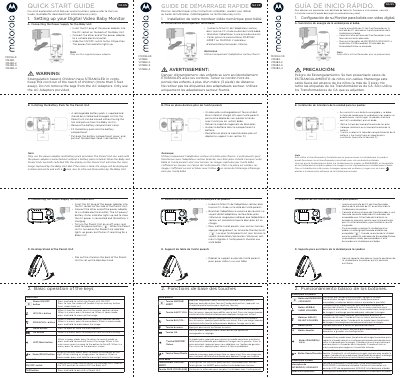
The Motorola VM482 Digital Video Baby Monitor Quick Start Guide explains how to set up the Baby Unit and Parent Unit, including connecting the power adapters and installing the rechargeable battery pack. It applies to models VM482, VM482-2, VM482-3, and VM482-4.
The guide also describes basic operation of the Parent Unit controls, such as the power button, volume keys, menu, OK, back, and zoom buttons, as well as the Baby Unit ON/OFF switch and PAIR button.
Press and hold the power button to switch the Parent Unit on or off.
The indicator lights up green when on, but flashes if the Parent Unit is searching for a Baby Unit.
Yes, the Parent Unit can work with the power adapter connected but without a battery pack installed.
Press and hold the PAIR button to pair the Baby Unit with a Parent Unit.