
A quick installation guide for the MOBOTIX MOVE SD-340-IR IR SpeedDome PTZ camera, covering power connections, Ethernet setup, I/O wiring, and initial…
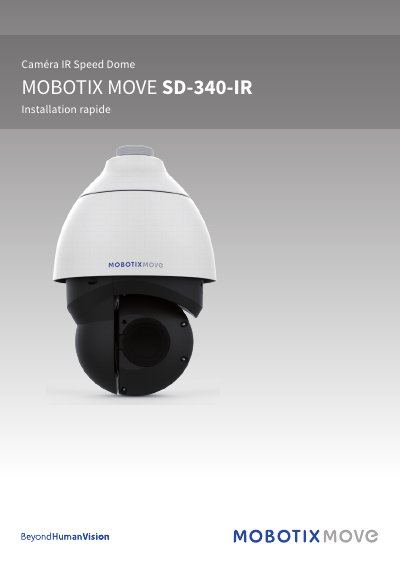
This document provides instructions for the quick installation and connection of the MOBOTIX MOVE SD-340-IR SpeedDome PTZ camera. It details the physical connectors for power, network, and I/O, including specific warnings regarding power supply compatibility and SD card usage. This manual is written in French.
| Power Input 1 | 12 V DC |
|---|---|
| Power Input 2 | 24 V AC |
| Network Port | RJ-45 |
| Video Output | BNC |
| Default IP Address | 10.x.x.x |
| Default Username | admin |
| Default Password | meinsm |
Press the reset button for at least 20 seconds using an appropriate tool.
No, the 12 V DC and 24 V AC power inputs cannot be used together to avoid accidental damage.
The camera automatically switches to the RJ-45 port until the 12 V DC power is restored.