
This guide describes the steps of installing Office 365 on a MacBook computer.
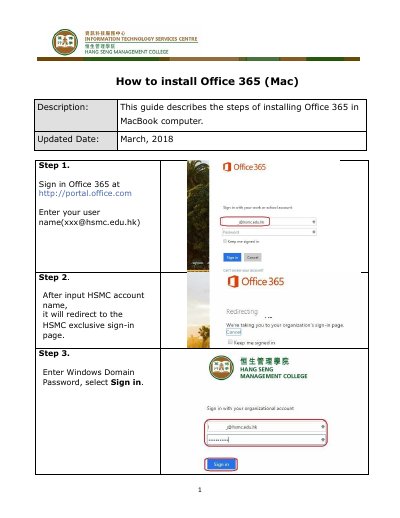
This document provides a step-by-step guide for installing Microsoft Office 365 on a MacBook. It begins with signing in to the Office 365 portal using a specific user account and domain password.
Sign in to Office 365 at http://portal.office.com.
An HSMC account with the format [email protected].