
Microsoft Visio 2013 User Guide

A quick start guide for Microsoft Visio 2013 covering templates, themes, collaboration, and compatibility with previous versions.
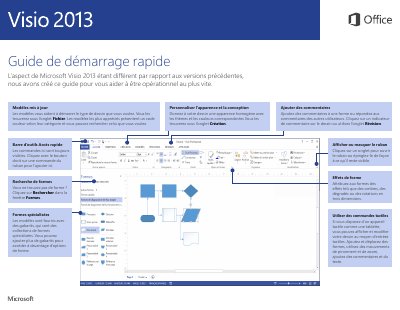

Microsoft Visio 2013 User Guide - cover page
Brand
Microsoft
Category
Other software
Document type
User Manual
Language
French
Pages
5
File format
PDF
File size
330 KB
Published
17 October, 2026
Updated
17 October, 2026
Model
2013
MD5 checksum
C13C679ED3E0D06F16B0CDD7266570B7

About this manual

This guide helps users get started with Microsoft Visio 2013 by explaining how to use updated templates, apply themes for professional appearance, and utilize the Quick Access Toolbar. It details features such as adding comments, using touch input on tablets, and searching for specific shapes within the Forms window. This manual is written in French.

What's inside

  • Templates
  • Themes and Colors
  • Comments
  • Quick Access Toolbar
  • Touch Input
  • Shape Effects
  • Team Collaboration
  • Data Visualization
  • Compatibility with Older Versions

Frequently asked questions

How do I add comments to a shape?

Click on a comment indicator on the drawing or use the Review tab.

Can I use Visio 2013 on a tablet?

Yes, you can display and modify your drawing using touch inputs like pinch and zoom.

How do I work with users who do not have Visio 2013?

Save the document in a previous file format, such as Visio 2010 or Visio 2003-2010.

Download PDF (330 KB)

More Microsoft Manuals


View all Microsoft manuals →