
Mettler Toledo IND780 Drive-780 Application Module Data Brief

This data brief describes the Drive-780 Application Module for the IND780 weighing terminal, featuring vehicle weighing software, database management, and…
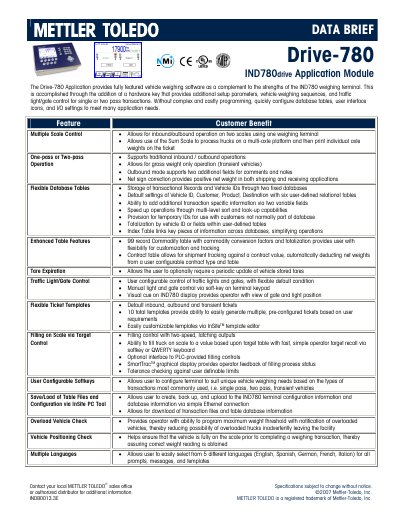

Mettler Toledo IND780 Drive-780 Application Module Data Brief - cover page
Brand
METTLER-TOLEDO
Category
Industrial Robot
Document type
Product Leaflet
Language
English
Pages
1
File format
PDF
File size
134 KB
Published
31 October, 2026
Updated
31 October, 2026
MD5 checksum
173B2AB0CE114201FCEC13F2EC5890E1

About this manual

The Drive-780 Application provides fully featured vehicle weighing software as a complement to the IND780 weighing terminal. It is accomplished through the addition of a hardware key that provides additional setup parameters, vehicle weighing sequences, and traffic light/gate control for single or two-pass transactions.

What's inside

  • Multiple Scale Control
  • One-pass or Two-pass Operation
  • Flexible Database Tables
  • Enhanced Table Features
  • Traffic Light/Gate Control
  • Flexible Ticket Templates
  • Filling on Scale via Target Control
  • User Configurable Softkeys
  • Save/Load of Table Files
  • Overload Vehicle Check

Frequently asked questions

What additional hardware is required to use the Drive-780 Application Module?

The system requires the addition of a hardware key to provide setup parameters and control sequences.

How many languages can be selected for prompts and messages?

The user can easily select from 5 different languages, including English, Spanish, German, French, and Italian.

What is the maximum number of records allowed in the Commodity table?

The Commodity table supports a maximum of 99 records with conversion factors and totalization.

Download PDF (134 KB)

More METTLER-TOLEDO Manuals


View all METTLER-TOLEDO manuals →