
This user manual for the MERCURY MW150RM mini router explains how to set up and use five application modes: AP, Router, Repeater, Bridge, and Client.
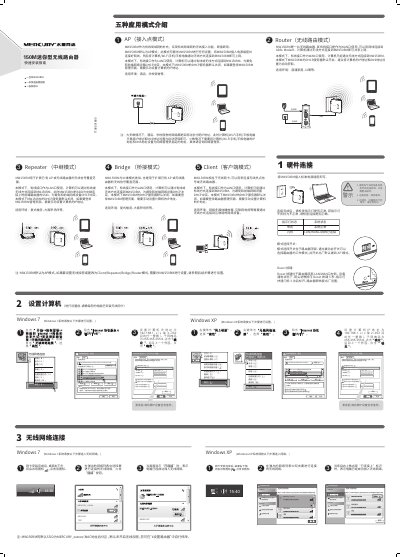
The MERCURY MW150RM is a 150M mini router designed to supplement wired local area networks with wireless access. It supports five distinct application modes: Access Point (AP), Router, Repeater, Bridge, and Client, each suited for different environments such as hotels, dormitories, or large areas. The device features a physical switch on top to select the working mode and a Reset button on the bottom for factory resets. This manual is written in Chinese.
| Wireless Speed | 150M |
|---|---|
| Default Mode | AP Mode |
| Default SSID | MERCURY_xxxxxx |
The default working mode is AP Mode (Access Point Mode).
You can change the mode by toggling the mode selection switch located on the top of the router.