
This manual provides installation, configuration, and maintenance instructions for the Mercury MIAP300L wireless panel access point.
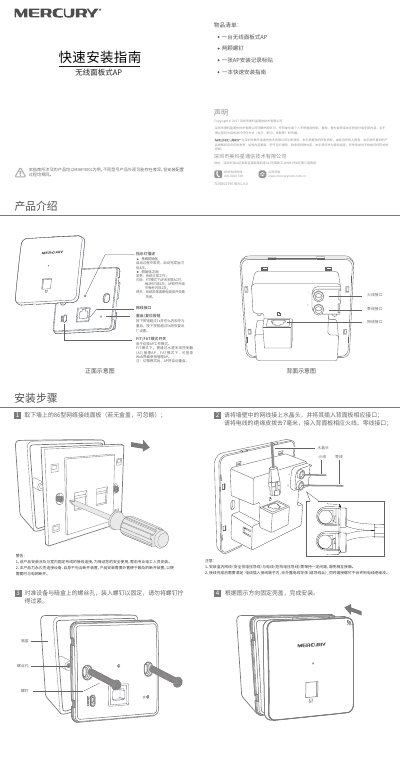
The Mercury MIAP300L is a wireless panel access point designed for wall mounting. The device includes an installation kit with screws and labels, and features a physical switch to toggle between FIT (Firmware Image Transfer) mode, managed by a central controller, and FAT (Fat Access Point) mode for standalone management via Web interface. This manual is written in Chinese.
| Mounting Type | Wall-mounted 86-type network jack panel |
|---|---|
| Reset Functionality | Press button >1s to restart, >5s for factory reset |
| Management Modes | FIT mode managed by AC; FAT mode standalone Web management |
Press and hold the button for more than 5 seconds to restore factory settings.
It indicates that in FIT mode, the AP has not associated with an AC controller.
In FIT mode, the AP is managed by a central controller (AC), while in FAT mode, it can be managed independently via a Web interface.