
User guide for Marshall Electronics' dual 10.4-inch rack-mounted LCD monitor with setup, connectors, and adjustment instructions.
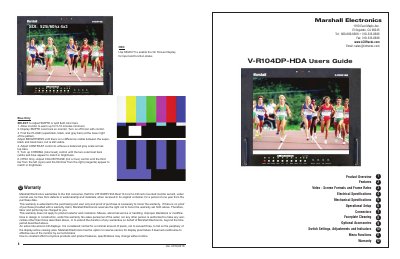
This user guide covers the setup, operation, and adjustment of the Marshall Electronics V-R104DP-HDA dual 10.4-inch LCD monitor. It includes instructions for mounting, connecting inputs and outputs, adjusting brightness, contrast, color, and display formats. The guide also details menu functions, tally indicators, and warranty information. The monitor supports multiple video formats including NTSC, PAL, VGA, and DVI, with features like Pixel-to-Pixel display and motion interpolation.
| Screen Aspect | 4:3/16:9 switchable |
|---|---|
| Display (Viewing Area) | 10.4 Inch diagonal (211.2mm w x 158.4mm h) |
| Resolution (RGB Dots) | 800H×RGBx600V (1.44 million pixels) |
| Color Depth | 262,000 Colors (6-Bit) |
| Contrast Ratio | 350:1 |
| Brightness | 500 cd/m² |
| Operating Temperature | 32° F to 120° F (0° C to 50° C) |
| Storage Temperature | -4 F to 120° F (-20° C to 50° C) |
| Weight | 2 lbs (0.9kg) |
| Power Required | 10.8 to 13.2 VDC |
It supports NTSC, PAL, VGA, and DVI formats with automatic detection of signal types and frame rates.
The monitor has a D65 (6500K) standard setting and a user-adjustable mode using Adj. Color Gain or Adj. Color Bias.
Approximately 40 watts nominal.
Install it in a standard EIA 19-inch equipment rack with adequate ventilation.