
User guide for Marshall Electronics' 8.4-inch LCD monitor with setup, connectors, menu functions, and warranty info.
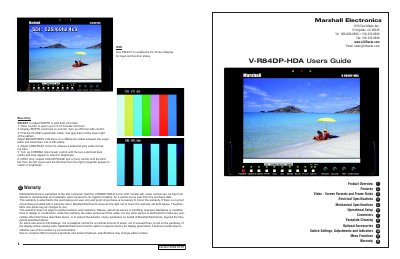
This user's guide covers setup, connectors, menu functions, and warranty for the V-R84DP-HDA 8.4-inch LCD monitor. It includes operational setup, switch settings, adjustments, indicators, and menu navigation. The monitor supports multiple video formats and features Pixel-to-Pixel™ native resolution display, color temperature presets, and adjustable brightness and contrast. Warranty details and service conditions are also provided.
| Screen Aspect | 4:3/16:9 switchable |
|---|---|
| Display (Viewing Area) | 8.4 Inch diagonal (170.4mm w x 127.8mm h) |
| Resolution (RGB Dots) | 800H×RGBx600V (1.44 million pixels) |
| Color Depth | 262,000 Colors (6-Bit) |
| Contrast Ratio | 350:1 |
| Brightness | 500 cd/m² |
| Power Required | 10.8 to 13.2 VDC |
| Operating Temperature | 32° F to 120° F (0° C to 50° C) |
| Weight | 3.3 lbs |
The warranty is for one year from the purchase date, covering defects in workmanship and materials.
Use the Color Temperature setting to select D65 (6500K) or User Adjustment mode for manual adjustment.
It supports NTSC, PAL, 480P, 576P, 720P, 1080i, and other formats with automatic detection.
Depress the power switch located on the front of the unit to turn it on.