
The LX K-H10NS motherboard user manual provides an overview, specifications, connector details, function definitions, and BIOS setup instructions.
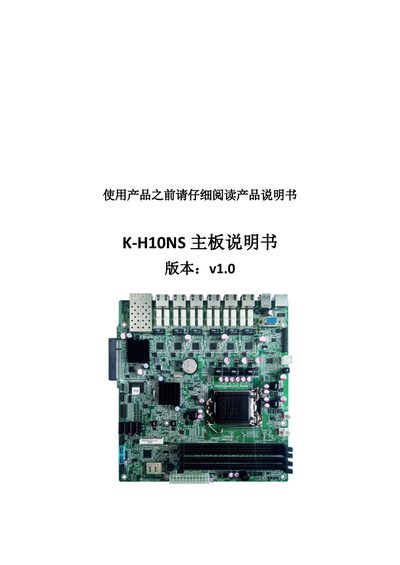
This manual introduces the K-H10NS motherboard, covering safety precautions, product overview, and detailed specifications such as supported processors, chipset, memory capacity, and physical dimensions. It also describes the layout of front and rear connectors, pin definitions, and functional blocks.
Additional sections explain BIOS configuration steps and provide reference tables for jumper settings, USB, LAN, and other interface pins, helping users install and configure the board correctly. This manual is written in Chinese.
| Supported processors | Intel i3/i5/i7/Pentium/Celeron LGA1151 |
|---|---|
| Chipset | Intel H110/Z170 |
| Memory slots | 4 DDR4 DIMM slots, up to 64 GB |
| Board dimensions | 244 mm × 231 mm |
| Network ports | 6 RJ45 ports, 2 SFP ports |
| Storage interfaces | 4 SATA 3.0 ports, 1 mSATA/CF slot |
| USB ports | 4 USB 3.0 and 2 USB 2.0 |
| GPIO pins | 16 GPIO pins |
| PCIe slots | 1 Mini‑PCIe (supports mSATA/4G) and 1 PCIe‑X8 |
The board should be used in environments between -10 °C and 60 °C with humidity up to 90 %RH.
It has four DDR4 DIMM slots and supports up to 64 GB of memory.
The board includes six RJ45 Ethernet ports.