
This manual covers the features, setup, operation, and maintenance of the Logicube SCSI-NG device for disk cloning and data management.
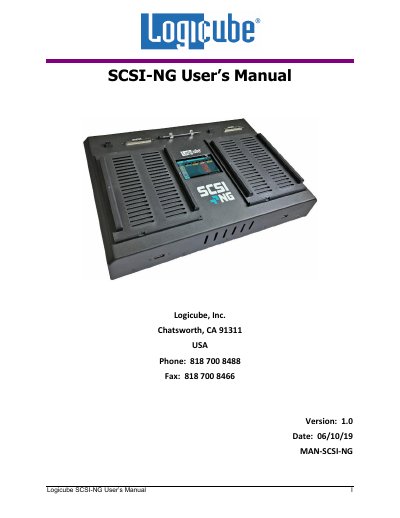
The Logicube SCSI-NG is a device designed for disk imaging, cloning, and data verification. This user manual provides comprehensive instructions on installing the software, connecting various drive types (master and target), and navigating the web interface to perform operations such as cloning, hashing, wiping, and formatting drives.
The document details specific procedures for configuring system settings, managing repositories, updating firmware via network or USB, and utilizing remote operation capabilities through Web Interface, Command Line Interface (CLI), and Zero Configuration Networking. It also includes troubleshooting information and warranty terms.
| Warranty Period | One Year from the Date of Sale |
|---|---|
| RoHS Compliance | Complies with EU Directive 2002/95/EC |
| Support Hours | 8 a.m. – 5 p.m. PT, Monday through Friday |
The product is warranted to be free from manufacturing defects in material and workmanship during the one-year warranty period.
You can reach them via website (www.logicube.com), email ([email protected]), or telephone (+1-818-700-8488 ext. 3).
The warranty does not apply to products damaged by physical abuse, mishandling, accident, negligence, or unauthorized service.