
This document is the user manual for Logicube OmniWIPE™, providing instructions and precautions for using the product.
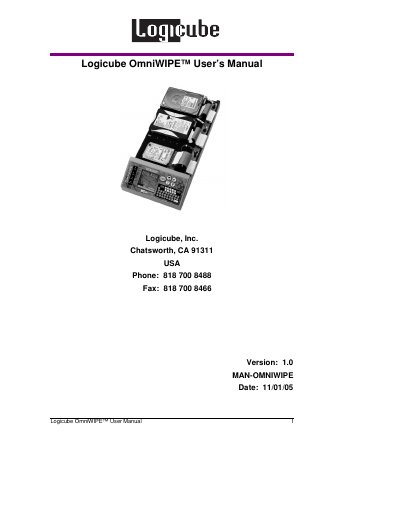
The Logicube OmniWIPE™ is a hardware device designed to erase data from one, two, or three IDE or SATA hard drives. It features two primary modes: WipeOut, which copies a pattern from a master drive to target drives, and Security Erase, which overwrites all attached drives. The device is capable of erasing data at speeds exceeding 2.3 GB/min and conforms to the DoD M-2550 standard.
| Data erasure rates | in excess of 2.3 GB/min |
|---|---|
| Compatible drives | IDE, EIDE, UDMA and SATA |
| Power output | 12VDC, 5.5A |
| Power supply dimensions | 5" L X 2.25" W X 1" H |
| Warranty period | one-year parts and labor |
No, the OmniWIPE is designed solely for wiping data from hard drives and cannot duplicate data.
Yes, the device determines the size of every attached drive and adjusts the display to account for the largest drive.
It will abort the cloning process if bad sectors occur in the same area that WipeOut is writing the chosen pattern.