
This manual covers the setup, operation, and configuration of the Logicube ZClone hard drive duplicator, including cloning, wiping, and hashing features.
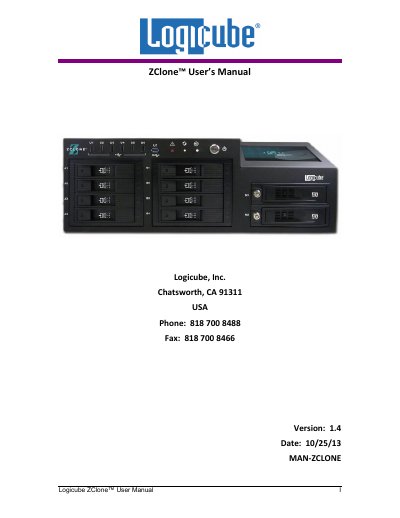
The Logicube ZClone is an advanced, professional hard drive duplication solution designed for volume duplication and IT professionals. It features high-speed cloning capabilities, supporting standard 3.5" SAS and SATA drives, as well as optional support for 2.5" SAS, IDE, eSATA, and flash media. The device offers cable-free, slide-in bays for fast drive insertion and removal.
| Cloning Speed | 15 GB/min |
|---|---|
| 3.5" SAS/SATA Bays | 8 dedicated |
| 3.5" SATA-only Bays | 2 |
| Internal Image Storage | 1 drive |
| Maximum Targets | 10 |
The ZClone supports a maximum of 10 targets, which can be cloned from an internal image master to 10 SATA drives or 8 3.5" SAS drives.
Yes, optional support is available for non-standard (over 9mm) height drives.