
This manual provides instructions for installing a USIM card, operating the LG TB100 phone, and navigating its menu functions.
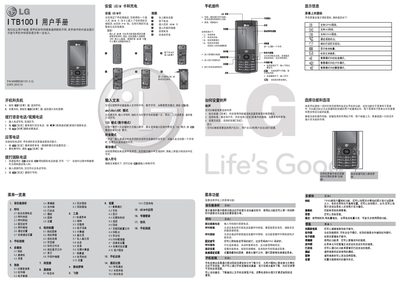
The document serves as a user guide for the LG TB100 mobile phone. It covers essential setup procedures such as inserting a USIM card and external memory, along with basic operations like powering on/off and making calls.
The manual details how to access various features through the phone's menu system, including music player, video calling, multimedia options, information services, contacts, browser, and tools. It also explains text input methods (ABC, 123, Pinyin, Stroke) and provides a list of available applications. This manual is written in Chinese.
Press and hold the [End] key until the power-on image appears to start, or until the shutdown image appears to turn it off.
Press and hold the [End] key until the power-on image appears to start, or until the shutdown image appears to turn it off.
You must fully charge the battery before using the phone for the first time.