
This is a user manual for LG KP500 phone. It mainly introduces the basic functions, advanced functions, management functions, network functions, settings functions and accessories usage methods of the phone.
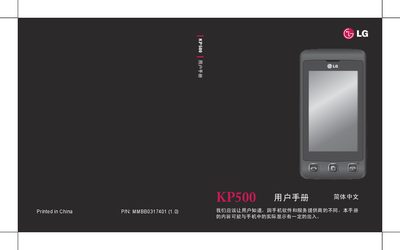
This manual guides LG KP500 users through initial setup, including SIM card and battery installation, storage card usage, and configuring standby screens. It also covers basic phone functions such as dialing, messaging, and contact management.
Later sections describe advanced features like camera operation, video playback, Bluetooth file transfer, and PC synchronization. Safety instructions, battery handling, and regulatory information are provided to ensure proper and safe use of the device. This manual is written in Chinese.
| Battery type | LG battery |
|---|
The manual includes a section titled "安装 SIM 卡和电池" that explains the steps for installing the SIM card and battery.
The default security password is 0000.
Yes, the phone can be used as a Mass Storage device as described in the manual.