
Installation manual for the Leviton Series 6000 3-phase meter, covering warnings, dimensions, conduit holes, wiring, configuration, and warranty.
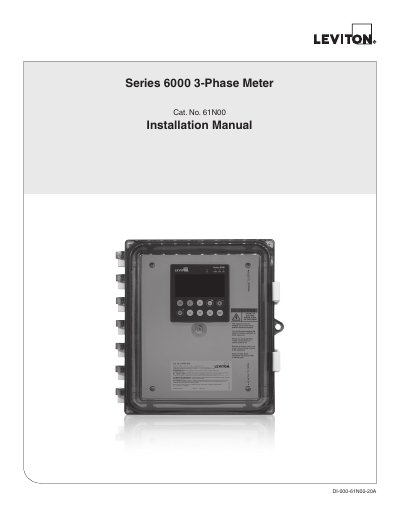
This manual covers installation of the Leviton Series 6000 3-Phase Meter, also described as the VERIFEYE 61N00 (61P00) Power Analyzer. The device has Ethernet Modbus TCP/IP output and a built-in web server and is enclosed in a NEMA 4X PC enclosure prewired with fused voltage.
The manual includes warnings and cautions, product description and physical dimensions, conduit hole preparation, mounting and wiring, configuration, and standard statements and warranty information. Wiring sections cover voltage and current inputs, supply, outputs, RS485 Modbus, and Ethernet connections, with fuses installed after wiring is complete.
| Enclosure | NEMA 4X PC enclosure |
|---|---|
| Communication | Ethernet Modbus TCP/IP output and built-in web server |
| Input voltage (L-N) | 110VAC to 277VAC |
| Auxiliary power supply maximum voltage | 400 VAC |
| Network frequency | 50 or 60 Hz |
| Supply | 110-400 VAC, 50-60 Hz |
| Voltage inputs | 50-300 VAC (L/N), 87-520 VAC (L/L') |
| Digital outputs | 12x, 30 VDC, 20 mA max. |
| Digital inputs | 3x, 12 VDC, 27 mA max. |
The input voltage must be 110VAC to 277VAC L-N.
The auxiliary power supply input terminal maximum voltage is 400 VAC.
The network frequency indicated on the device is observed: 50 or 60 Hz.
Only electricians or other qualified personnel should install or remove the product.