
Describes Leviton 43B touch screen's warranty policy, warranty period is 2 years
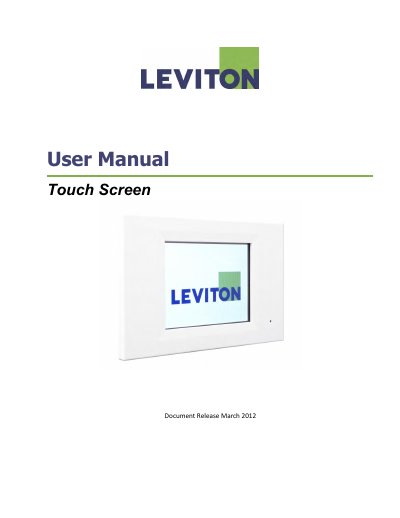
The Leviton 43B is a flexible control system featuring a 5.7-inch resistive touch panel with built-in functions such as backlighting, sound settings, and digital photo frames. It connects via USB or Ethernet to design customized interfaces for controlling lighting and energy systems.
Installation involves connecting the device to a DC 12V power supply and linking it to DMX output devices or other controllers via EDX ports. The manual details how to configure buttons, labels, bars, clocks, and pictures through the software interface.
| Power Supply | DC 12V |
|---|---|
| Screen Size | 5.7 inch |
| Screen Resolution | 320*240 pixels |
| Color Depth | 262K Colors |
| Touch Panel Type | 4-wire resistive touch panel |
| RAM Memory | 256MB |
Leviton warrants the touch screen to be free of material and workmanship defects for two years after system acceptance or 26 months after shipment, whichever comes first.
You can reach Technical Support by calling (800)959-6004.