
User guide for the Lenovo Legion M300 RGB Gaming Mouse, covering setup, specifications, and included accessories.
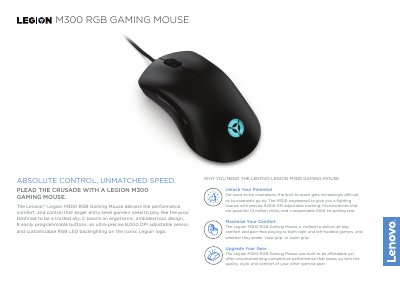
The Lenovo Legion M300 RGB Gaming Mouse is designed for entry-level gamers, featuring an ergonomic ambidextrous design, 8 programmable buttons, and customizable RGB backlighting. It utilizes a Pixart 3325 optical sensor with up to 8,000 DPI resolution and a 1000 Hz polling rate for precise tracking and fast response.
| Sensor Technology | Optical Pixart 3325 |
|---|---|
| Sensor Resolution | Up to 8,000 DPI |
| Max. Moving Speed | 100 IPS |
| Maximum Acceleration | 20 g |
| USB Report Rate | 1000 Hz (1 ms) |
| Programmable Buttons | 8 |
| Button Durability | 10 Million Clicks |
| Dimensions | 127 x 70 x 42 mm |
| Weight | Starting at 90 g |
| Cable Length | 1.8 m (5.9 ft) |
| Warranty | 1 Year |
Yes, it features an ergonomic, ambidextrous design crafted for both right and left-handed gamers.
The mouse has a USB report rate of 1000 Hz (1 ms).
The mouse features 8 easily programmable buttons.