
Quick Start Guide for initial setup and operation of the Lectrosonics DBa digital belt pack transmitter, including batteries, controls, menus, and gain.
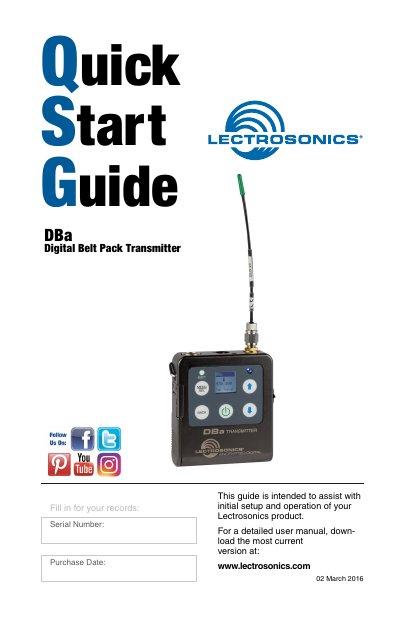
This Quick Start Guide helps with initial setup and operation of the Lectrosonics DBa digital belt pack transmitter. It covers controls and features, battery installation, belt clip options, powering on in operating and standby modes, and the power menu.
The guide also explains the LCD menu map and setup screens, including gain, frequency, programmable switch function, low frequency roll-off, audio polarity, battery type and timer, locking settings, restoring defaults, and erasing the encryption key.
| Power supply | Two AA batteries |
|---|---|
| Recommended battery types | Alkaline, lithium, or rechargeable |
| Frequency range shown | 470.100 MHz |
| Low frequency roll-off options | 35, 50, 70, 100, 120, and 150 Hz |
| Full modulation level | 0 dB |
| Limiter peak handling | Up to 30 dB above full modulation |
| LCD backlight duration options | 30 seconds, 5 minutes, or remain on |
| Programmable switch functions | None, Mute, or Power |
| Optional belt clip model | BCSLEBN |
Push outward on the battery compartment door and lift it to open, then insert the batteries according to the markings on the back of the housing. If the batteries are inserted incorrectly, the door will close but the unit will not operate.
Briefly press the Power Button and release it before the counter reaches 3. This turns the unit on with the RF output turned off so menus can be browsed without interfering with nearby wireless systems.
Power the unit on in standby mode, open the Gain setup screen, and adjust the gain until the -10 dB LED glows green and the -20 dB LED starts to flicker red during loudest peaks. Leave the transmitter gain set this way and make output level adjustments only on the receiver.
Settings can still be unlocked, menus can still be browsed, the programmable switch still works, and power can still be turned off using the power menu or by removing the batteries.