
Installation and programming guide for the Lectrosonics RCWPB8DESK pushbutton remote control designed for ASPEN and DM Series processors.
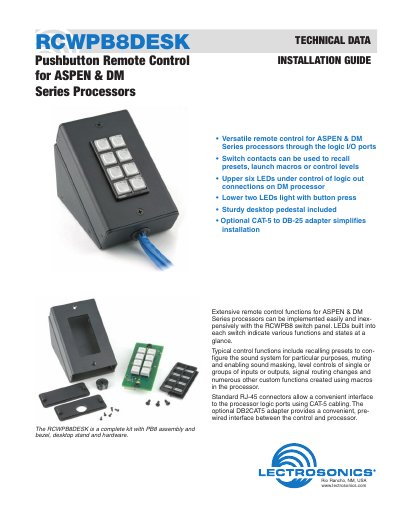
The RCWPB8DESK is a versatile pushbutton remote control kit designed for use with Lectrosonics ASPEN and DM Series processors. It features eight momentary contact switches and built-in LEDs to recall presets, launch macros, or control audio levels. The unit includes a sturdy desktop pedestal and an optional DB2CAT5 adapter for simplified installation using standard CAT-5 cabling.
| Compatible Processors | ASPEN & DM Series processors |
|---|---|
| Switch Type | Eight switches |
| Connector Type | RJ-45 jacks |
| Cable Standard | TIA/EIA-568-B |
| Included Hardware | PB8 assembly, bezel, desktop stand |
It is designed for use with Lectrosonics ASPEN and DM Series processors.
The unit includes eight switches wired to RJ-45 jacks.
The cable pairing follows the TIA/EIA-568-B standard.
Yes, an optional DB2CAT5 adapter provides pre-wired connections to save installation time.