
The document introduces the Lectrosonics DM812 quick start guide, including connecting audio input and output, installing and debugging software and drivers on the computer, connecting the computer, basic adjustment, storing and calling presets, RS232 connection to the control center, and the use of macros.
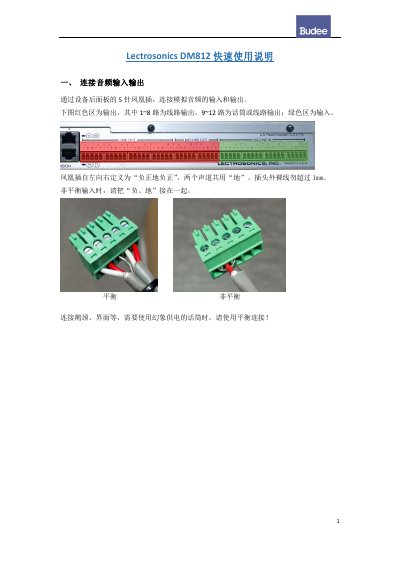
This quick start guide explains how to set up and operate the Lectrosonics DM812 DSP audio processor. It begins with connecting analog audio inputs and outputs through the 5-pin Phoenix connectors on the rear panel, including balanced and unbalanced wiring and phantom power notes for microphones.
The guide then covers installing the LecNet2 software and USB drivers from the Lectrosonics website, connecting the computer via USB, and making basic adjustments in the Input, Matrix and Outputs screens. Later sections describe input and output equalization, storing and recalling presets, RS232 control for third-party control systems, recording macros, setting MASTER/SLAVE for cascaded units, and an appendix of common control commands. This manual is written in Chinese.
| Analog audio connectors | 5-pin Phoenix connectors for inputs and outputs |
|---|---|
| Output channels | 1-8 line outputs; 9-12 microphone or line outputs |
| Input equalization | 6 bands per channel |
| Output equalization | 9 bands per channel |
| Presets | 24 |
| Macros | 128 |
| RS232 connector | 3.5 mm mini jack |
| Default baud rate | 57600 |
The device memory holds 24 presets, which are selected on the right side of the Presets menu when storing or recalling settings.
The default communication baud rate is 57600; it can be changed in the software.
Press the knob to enter the menu, select Setup, then General, rotate the knob to choose MASTER or SLAVE, and press to confirm and exit.
Each input channel has 6 bands of EQ and each output channel has 9 bands, with the type of each band chosen from a drop-down menu.