
The Korg KROME Quick Start Guide provides essential setup and operation instructions for the KROME music workstation, covering panels, power, display…
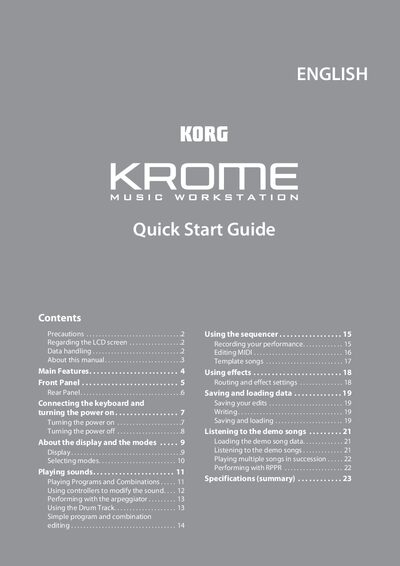
This Quick Start Guide walks you through the basic functions of the KORG KROME music workstation, including safety precautions, front and rear panel descriptions, power‑on procedures, LCD screen notes, and an overview of the display and operating modes. It also explains how to play sounds, use programs and combinations, control parameters with the joystick and knobs, and work with the arpeggiator and drum track.
Additional sections cover simple program and combination editing, sequencer use, MIDI editing, template songs, effects routing, saving and loading data, demo song playback, and a summary of specifications. The guide is intended as a concise reference for getting the instrument up and running quickly.
| PCM Data Capacity | 4 GB |
|---|---|
| Preload Programs | 640 |
| Preload Combinations | 384 |
| Number of Effects | 193 |
| Simultaneous Effects | Up to 8 |
| MIDI Tracks | 16 |
| Drum Track Patterns | 605 |
| Arpeggio Patterns | 900 |
| Keyboard Type (61/73) | Semi‑Weighted |
| Keyboard Type (88) | Natural Weighted Hammer Action |
| Auto Power‑Off Timer | 4 hours |
Connect the AC adapter, set the volume knob to the left, then press the power switch on the rear panel.
Press the WRITE button to write programs, combinations, global settings, drum kits, or arpeggio patterns to the internal memory.
The auto power‑off function is set to turn the unit off after about four hours of no user input.