
The Kodak EasyShare 500 Photo Printer User Manual provides setup, operation, wireless printing, maintenance, and troubleshooting instructions.
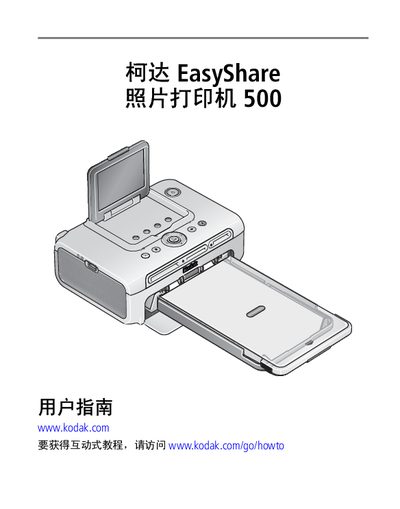
This manual explains how to set up the Kodak EasyShare 500 photo printer, including placement, power connection, and loading of ink ribbons and photo paper. It also covers basic printing functions, wireless options such as Bluetooth and Wi‑Fi, and how to use PictBridge compatible devices.
The document contains detailed sections on using the printer with a computer, wireless printing, routine maintenance, troubleshooting common issues, and a full specification appendix. Safety warnings and regulatory information are also provided. This manual is written in Chinese.
| Operating temperature | 10 to 35 °C (50 to 95 °F) |
|---|---|
| Operating humidity | 10 % to 86 % RH |
| Input voltage (US/Canada) | 100 V to 120 V AC, 50/60 Hz |
| Input voltage (Other regions) | 100 V to 240 V AC, 50/60 Hz |
| Output voltage | 24 V DC |
| Maximum printing power | 60 W |
| Printing speed (first 10×15 cm photo) | ≈75 seconds |
| Printing speed (subsequent photos) | ≈60 seconds |
| Dimensions without tray | 13.4 × 8.3 × 18.8 cm |
| Dimensions with tray | 30.9 × 8.3 × 18.8 cm |
| Weight without tray | 950 g |
| Weight with tray | 1090 g |
| Maximum print size | 10 × 15 cm (4 × 6 in) |
Only use the AC transformer that comes with the printer; other power sources may damage the device.
The default PIN code for Bluetooth pairing is 1111.
Bluetooth works up to 10 meters (30 feet) or less.
The first 10 × 15 cm (4 × 6 in) photo takes about 75 seconds; subsequent photos take about 60 seconds.