
User's guide for the Kodak EasyShare C533/C503 zoom digital camera, covering setup, taking pictures and videos, transfer, printing, settings, and…
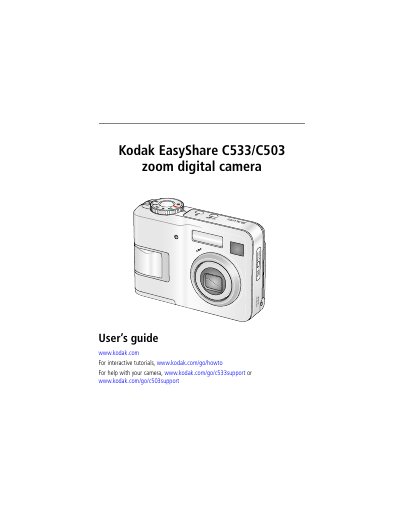
This Kodak EasyShare C533/C503 zoom digital camera user's guide explains how to set up the camera, load batteries, set the language and date/time, and store pictures on an optional SD or MMC card. It describes taking pictures and videos, using the flash, reviewing pictures, and using optical zoom.
The guide also covers transferring and printing pictures, changing picture-taking settings, running slide shows, sharing pictures, troubleshooting, and camera specifications. The camera has 16 MB of internal memory, a 5.0 MP output image size, a 3X optical zoom lens, and a 4.6 cm (1.8 in) color hybrid LCD.
| Sensor | CCD 1/2.5 in., 4:3 aspect ratio |
|---|---|
| Output image size | 5.0 MP: 2576 x 1932 pixels |
| Display | 4.6 cm (1.8 in) color hybrid LCD, 115 K pixels |
| Lens | 3X optical zoom lens, f/2.73 - f/4.85 |
| Focal length | 37 mm - 111 mm (35 mm equivalent) |
| Internal memory | 16 MB |
The guide lists CRV3 lithium (non-rechargeable), Ni-MH (rechargeable), and 2 AA batteries (rechargeable or non-rechargeable).
Yes. The camera has 16 MB of internal memory.
It has a slot for an optional SD or MMC card.
Press the Shutter button halfway to focus and set exposure, then press it completely down.