
This is the user manual for the Kodak RFS 3600 film scanner, covering system requirements, installation procedures, and operation instructions.
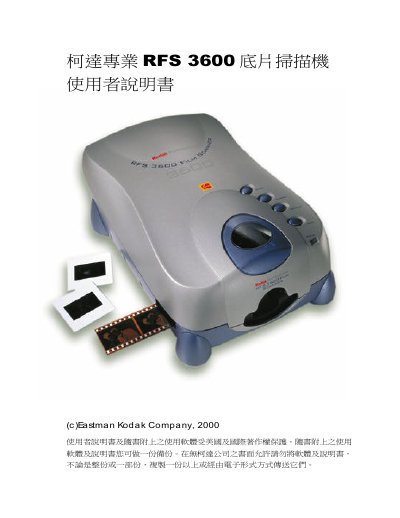
The document serves as a comprehensive guide for the Kodak RFS 3600 film scanner. It details the necessary hardware specifications and software compatibility required to operate the device effectively on various platforms such as Apple Macintosh and Microsoft Windows.
The manual provides step-by-step instructions for installation, including connecting SCSI or USB cables and powering up the unit. It also explains operational procedures like scanning 35mm film, adjusting focus, and using specific features within Adobe Photoshop. This manual is written in Chinese.
| Memory Requirement (Mac) | 256MB DRAM recommended |
|---|---|
| Hard Disk Space (Mac) | 200MB free space |
| Color Depth Support | 24-bit color depth |
| Resolution Support | 800x600 pixels |
| Operating System (Windows) | Windows 98 SE or Windows 2000 |
The scanner requires Adobe Photoshop 5.0 or later for image processing.
Yes, it supports both SCSI and USB II interfaces for connection.
A minimum of 128MB RAM with 256MB DRAM recommended is suggested.