
The Kodak CX6330 digital camera user manual explains setup, shooting, playback, sharing, and troubleshooting for this zoom camera.
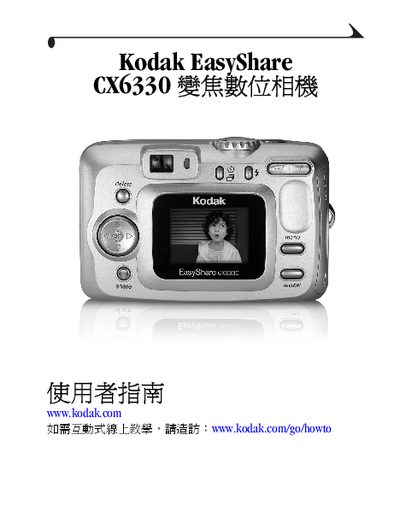
This guide walks you through preparing the Kodak CX6330, installing the EasyShare software, and configuring basic settings such as date, time, and language. It also describes how to attach the optional battery base, connect the camera to a TV via audio/video output, and use the USB cable for file transfer.
Detailed sections cover still‑photo shooting, video recording, optical and digital zoom, flash usage, reviewing and protecting images, and sharing photos or videos by email, printing, or the Kodak website. A troubleshooting chapter helps resolve common camera and connectivity issues. This manual is written in Chinese.
| Battery voltage | 3 V DC |
|---|---|
| Optional AC transformer | Available for purchase |
| Memory card type | MMC/SD |
| USB connection | USB cable for photo transfer |
| LCD screen | Built‑in camera LCD monitor |
Refer to the “首先安裝軟體” section, which provides step‑by‑step instructions for installing the software on Windows or Mac OS.
Use the audio/video output port on the side of the camera to connect to a TV for viewing photos or videos.
Check the troubleshooting section “相機 /電腦通訊” for steps such as verifying the USB connection, installing drivers, and ensuring the correct mode is selected.