
User manual for the Keya KYDBL4875-2E smart controller, covering specifications, wiring, operation modes and safety instructions.
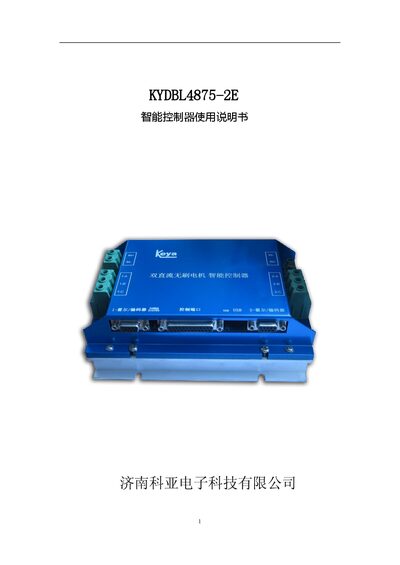
This manual provides a complete overview of the KYDBL4875-2E smart controller, a high‑power dual‑brushless‑motor controller. It describes the controller’s features, performance indicators, physical dimensions and wiring requirements, and includes detailed diagrams for terminal connections and motor wiring.
The document also explains the various control modes (speed, position, torque), LED status indicators, and provides contact information for the manufacturer. Safety precautions for installation, operation and maintenance are highlighted throughout the guide. This manual is written in Chinese.
| Physical dimensions (L×W×H) | 190 mm × 130 mm × 77 mm |
|---|---|
| Weight | 800 g |
| Continuous working current | 40 A |
| Peak current (30 s) | 75 A |
| Minimum speed (closed‑loop speed mode) | 10 RPM |
| Minimum speed (position mode) | 1 RPM |
| Analog input range | 0‑5 VDC |
| Pulse input frequency range | 500 Hz‑5000 Hz |
| Operating temperature range | -25 °C to +60 °C |
| Maximum ambient humidity | ≤ 80 %RH |
The controller provides four input ports that can be defined as analog, pulse or digital inputs.
Do not install or replace wiring while power is applied, add over‑current protection, ensure ventilation, keep the unit away from high humidity, dust, corrosive gases and strong vibration.
The POWER LED stays green, while the STATUS LED flashes in specific patterns to indicate short‑circuit, over‑heat, over‑/under‑voltage or power‑off conditions.