
Key facts
- Manuals
- 3
- Languages
- ZH
- Last added
- 2026-10-01
Featured KEYA manuals
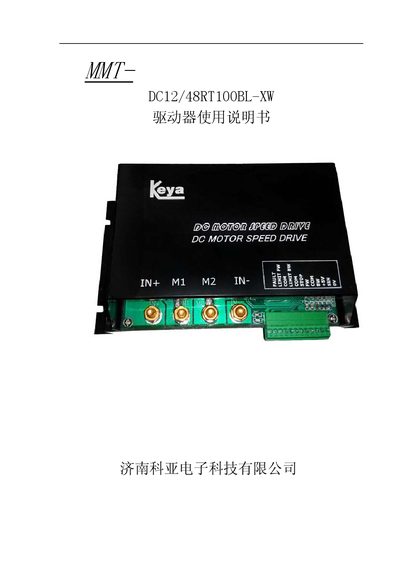
Keya DC12/48RT100BL-XW Driver User Manual
The Keya DC12/48RT100BL-XW is an intelligent, high‑power DC motor driver designed for automation control applications. It features a high‑performance MCU, multiple control methods (potentiometer, analog voltage, PWM), independent forward/reverse control, soft‑start/stop, current limiting, and built‑in fault protection.
The manual provides safety guidelines, installation instructions, wiring diagrams, and detailed parameter settings. It also describes LED status indicators, protection functions (over‑voltage, under‑voltage, over‑current, over‑temperature), and troubleshooting steps to ensure reliable operation in harsh environments. This manual is written in Chinese.
Covers: Overview · Specifications and Model · Product Features · Performance Indicators · Dimensions and Weight · Wiring Requirements
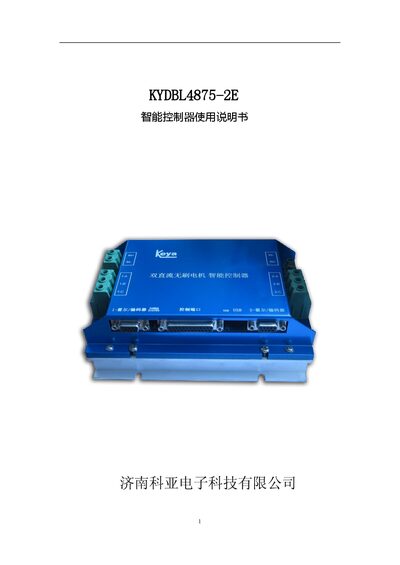
Keya KYDBL4875-2E Smart Controller User Manual
This manual provides a complete overview of the KYDBL4875-2E smart controller, a high‑power dual‑brushless‑motor controller. It describes the controller’s features, performance indicators, physical dimensions and wiring requirements, and includes detailed diagrams for terminal connections and motor wiring.
The document also explains the various control modes (speed, position, torque), LED status indicators, and provides contact information for the manufacturer. Safety precautions for installation, operation and maintenance are highlighted throughout the guide. This manual is written in Chinese.
Covers: 概述 · 规格及型号 · 产品特性 · 性能指标 · 外形尺寸 · 接线要求
Keya MMT DC Servo Driver User Manual
This manual describes the Keya MMT series DC servo driver, highlighting its PWM H‑bridge control, four‑quadrant operation, full isolation design, and various protection features. It outlines the driver’s suitability for a wide range of mechanical transmission equipment and details the required power inputs, signal interfaces, and motor selection guidelines.
The document also covers environmental requirements, wiring diagrams, panel adjustments, and fault analysis procedures, helping users set up the driver correctly, adjust parameters such as zero point, speed, and torque, and diagnose common error conditions. This manual is written in Chinese.
Covers: Overview · Product Features · Technical Specifications · Installation Environment Requirements · Power Input Description · Driver and Motor Selection
Latest KEYA manuals
Keya DC12/48RT100BL-XW Driver User Manual
User Manual 17 pages · 391 KB · ZHUser manual for the Keya DC12/48RT100BL-XW high‑power DC motor driver, covering specifications, wiring, control modes and safety features.
Keya KYDBL4875-2E Smart Controller User Manual
User Manual 21 pages · 767 KB · ZHUser manual for the Keya KYDBL4875-2E smart controller, covering specifications, wiring, operation modes and safety instructions.
Keya MMT DC Servo Driver User Manual
User Manual 22 pages · 313 KB · ZHThe Keya MMT DC servo driver manual provides installation, configuration, and operation instructions with technical specifications and troubleshooting.
Which document do I need?
User Manual
Day-to-day operation, settings and troubleshooting. Start here if the product is already set up.
Questions answered in KEYA manuals
What is the required input voltage range for the driver?
The driver operates with a DC input voltage between 10 V and 50 V.
Can the driver be controlled by a potentiometer?
Yes, a 2 W/10 kΩ potentiometer can be connected to adjust speed as shown in the wiring diagram.
How many input ports does the controller have and what can they be configured for?
The controller provides four input ports that can be defined as analog, pulse or digital inputs.
What safety precautions should be observed during installation?
Do not install or replace wiring while power is applied, add over‑current protection, ensure ventilation, keep the unit away from high humidity, dust, corrosive gases and strong vibration.
What input voltage ranges are supported for the main power supply?
The driver accepts AC 40‑‑110 V for the 110 V series and AC 50‑‑220 V for the 220 V series as the main power supply.
How do I adjust the zero point of the motor?
Turn the ZERO knob until the motor remains locked when the control voltage is 0 V; this sets the zero speed reference.