
The Keithley Model 2470 High Voltage SourceMeter Quick Start Guide provides safety instructions, setup steps, and basic operation procedures.
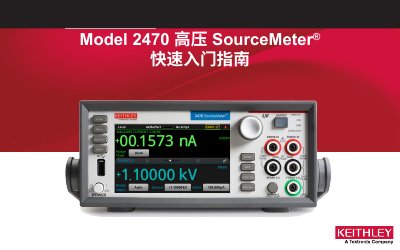
This guide introduces the Keithley Model 2470 High Voltage SourceMeter, a precision low‑noise instrument that combines a stable DC source with a high‑impedance multimeter. It explains safety precautions, unpacking, and basic connection procedures so users can quickly begin measurements. The document covers power and environmental specifications, interlock wiring, basic measurement setup, data saving to USB, and a FAQ section that answers common questions about drivers, interlock settings, and safety voltage limits. This manual is written in Chinese.
| Input voltage | 100 V RMS to 240 V RMS, 50‑60 Hz |
|---|---|
| Maximum AC power | 220 VA |
| Maximum operating altitude | up to 2000 m |
| Operating temperature range | 0 °C to 50 °C |
| Storage temperature range | -25 °C to +65 °C |
Press MENU, select Source Settings, then set Interlock to ON or OFF.
Visit the Keithley support website at tek.com.cn/product‑support, enter 2470, and select Software.