
JVC KENWOOD Monitor with DVD Receiver KW-V850BT KW-V85BT KW-M750BT KW-M75BT KW-M650BT Instruction Manual

Instruction manual for JVC KENWOOD car monitors with DVD receivers, covering setup, operation, and troubleshooting for models KW-V850BT, KW-V85BT…
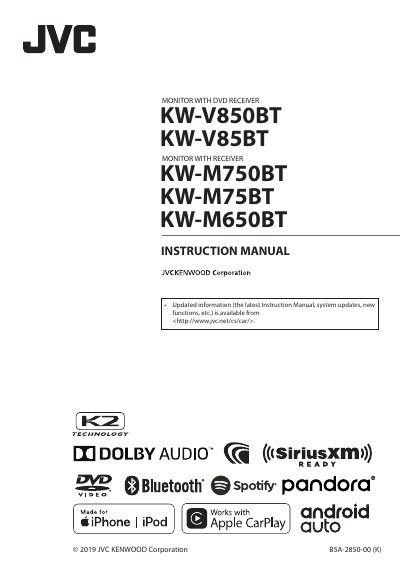

JVC KENWOOD Monitor with DVD Receiver KW-V850BT KW-V85BT KW-M750BT KW-M75BT KW-M650BT Instruction Manual - cover page
Brand
JVC KENWOOD
Category
Car
Document type
User Manual
Language
English
Pages
140
File format
PDF
File size
13.9 MB
Published
22 October, 2026
Updated
22 October, 2026
MD5 checksum
E0866706CE0DC7A0852723BFDE91CFD5

About this manual

This manual provides instructions for the JVC KENWOOD Monitor with DVD Receiver, covering basic operations, functions, and setup procedures. It details how to turn the unit on and off, perform initial settings such as language selection and clock synchronization, and manage security codes. The guide explains the functions of the front panel buttons and remote control, including volume adjustment, disc insertion, and voice recognition activation.

What's inside

  • Before Use
  • Basic Operations
  • Initial Settings
  • Security Code Setup
  • Calendar/clock settings
  • Touch screen operations
  • Source selection
  • Setup
  • Troubleshooting
  • Specifications

Frequently asked questions

What is the maximum volume level?

The volume will go up to 15 when you keep pressing the plus button.

How many digits are allowed for the security code?

The security code can be set with a number between 4 and 8 digits.

What is the default language setting?

The default language setting is American English.

Download PDF (13.9 MB)

More JVC KENWOOD Manuals


View all JVC KENWOOD manuals →