
JVC KENWOOD CAM Control for iPhone User Guide

User guide for the JVC CAM Control app, detailing how to install, register, and remotely view video from GV-LS2/GV-LS1 cameras on an iPhone.
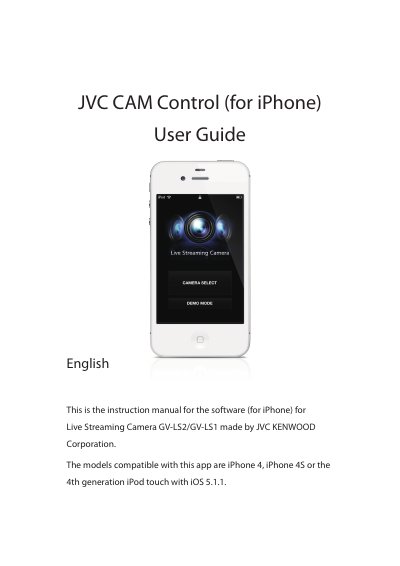

JVC KENWOOD CAM Control for iPhone User Guide - cover page
Brand
JVC KENWOOD
Category
Other Electronics
Document type
User Manual
Language
English
Pages
13
File format
PDF
File size
3.9 MB
Published
22 October, 2026
Updated
22 October, 2026
MD5 checksum
E858493C2E78B218EF18C4162BD9C3AF

About this manual

This manual provides instructions for the JVC CAM Control application, designed for use with the Live Streaming Camera models GV-LS2 and GV-LS1. It covers the initial setup process, including installing the app from the App Store and registering compatible cameras via a Wi-Fi network. The guide specifies that the app supports iPhone 4, iPhone 4S, and the 4th generation iPod touch running iOS 5.1.1.

What's inside

  • Quick Operation Guide
  • Advanced Operations
  • Screen Descriptions
  • CAMERA SELECT Screen
  • Monitor Display
  • CAMERA RESOURCE SETTING Screen
  • CAMERA SETTINGS Screen
  • APP SETTINGS Screen

Frequently asked questions

Which iPhone models are compatible with this app?

The app works with iPhone 4, iPhone 4S, or the 4th generation iPod touch running iOS 5.1.1.

What network connection is required to use the app?

The app can only be used with a Wi-Fi connection.

What stream setting is required to record video onto the camera?

Recording can only be performed when the stream setting is [MotionJPEG] and an SD card is inserted.

Download PDF (3.9 MB)

More JVC KENWOOD Manuals


View all JVC KENWOOD manuals →