
JVC CAM Control for iPad User Guide

This user guide explains how to install, register, and operate the JVC CAM Control app on an iPad to view and control GV-LS1 and GV-LS2 live streaming cameras.
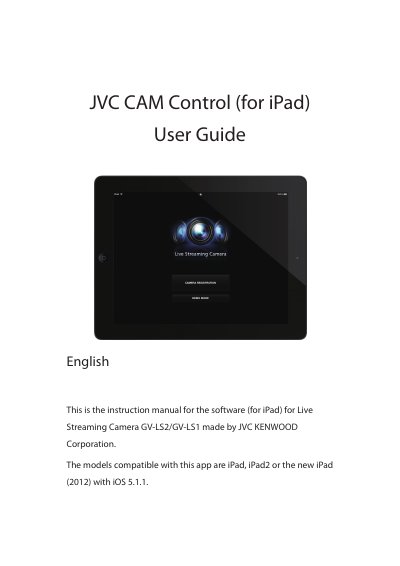

JVC CAM Control for iPad User Guide - cover page
Brand
JVC KENWOOD
Document type
User Manual
Language
English
Pages
12
File format
PDF
File size
8.3 MB
Published
12 October, 2026
Updated
12 October, 2026
MD5 checksum
978421ACE353BF8B6868A31A1E31AC97

About this manual

The document serves as a quick operation guide for the JVC CAM Control application designed for use with iPad devices. It details the steps required to install the software from the App Store, register compatible JVC KENWOOD Live Streaming Cameras (GV-LS1 and GV-LS2), and view video feeds.

What's inside

  • Quick Operation Guide
  • Advanced Operations
  • Screen Descriptions
  • Camera Registration
  • Monitor Display
  • Using Body Movements to Operate the Camera
  • Viewing Video from Multiple Cameras

Frequently asked questions

Which iPad models are compatible with this app?

The app is designed for use with iPad, iPad2, or the new iPad (2012) running iOS 5.1.1.

Can I view video from multiple cameras simultaneously?

Yes, up to four cameras can be viewed at the same time by selecting camera thumbnails on the monitor display.

Download PDF (8.3 MB)

More JVC KENWOOD Manuals


View all JVC KENWOOD manuals →