
Juniper CTPView 3.4 Security Implementation Guide

This guide details security configuration for Juniper CTPView Release 3.4, including password changes, user management, network access, and two-factor…
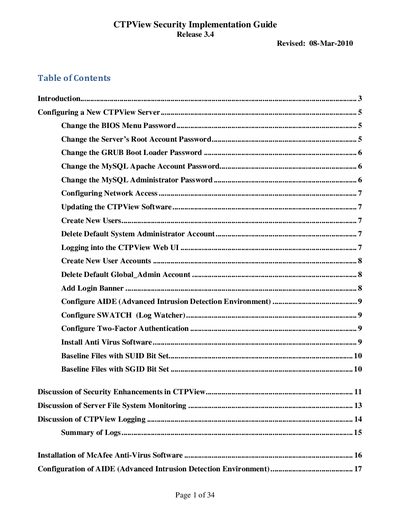

Juniper CTPView 3.4 Security Implementation Guide - cover page
Brand
Juniper
Category
Servers Computer
Document type
User Manual
Language
English
Pages
34
File format
PDF
File size
245 KB
Published
15 October, 2026
Updated
15 October, 2026
MD5 checksum
A2116A3F21694BCE7391811F258A2985

About this manual

This document provides instructions for implementing security features in Juniper CTPView Release 3.4. It covers essential tasks such as changing default passwords for BIOS, root, GRUB, and MySQL accounts, as well as configuring network access and updating the software. The guide also explains how to manage user accounts and delete default system accounts to enhance security.

What's inside

  • Introduction
  • Configuring a New CTPView Server
  • Change the BIOS Menu Password
  • Change the Server's Root Account Password
  • Configuring Network Access
  • Updating the CTPView Software
  • Create New Users
  • Logging into the CTPView Web UI
  • Configure AIDE
  • Configure Two-Factor Authentication

Frequently asked questions

What operating system is required to access all security features in CTPView Release 3.4?

All enhanced security features are only available on servers running the Juniper customized CentOS 5.3 operating system.

What is the minimum length required for a new root account password?

The new password must be at least 15 characters long.

How often should the BIOS menu password be changed according to good security practice?

It is recommended that the BIOS menu password be changed at least yearly or upon administrator reassignment.

Download PDF (245 KB)

More Juniper Manuals


View all Juniper manuals →