
Juniper Networks EX 4200 series Ethernet switch is a high-performance, scalable, reliable chassis switch with Virtual Chassis technology. It provides complete Layer 2 and Layer 3 switching capabilities to support various high-performance applications, such as enterprise branch offices, campuses, and data center access deployments, and Gigabit Ethernet(GbE) traffic aggregation deployments. Enterprises can deploy a single 24-port or 48-port switch, and then expand the enterprise network as needed. Juniper's Virtual Chassis technology allows up to 10 EX 4200 series switches to be connected to a 128Gbps backplane and managed as a single device for scalability, providing a pay-as-you-grow solution for network expansion. Enterprises can also flexibly choose between Gigabit Ethernet(GbE) and 10 Gigabit Ethernet(10GbE) uplinks to enable high-speed connectivity for switches connected to multiple floors or large buildings at the aggregation layer or core layer.
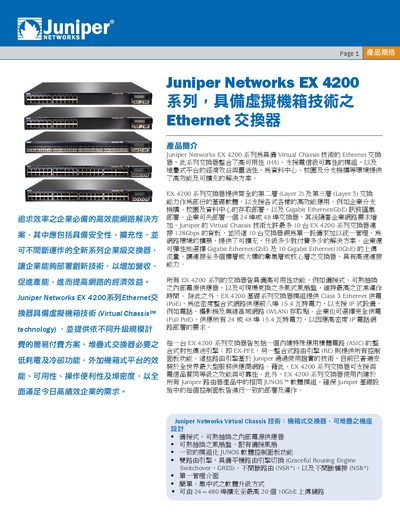
The EX4200 series Ethernet switches from Juniper Networks feature Virtual Chassis technology, allowing up to ten switches to be interconnected and managed as a single device. They support both Layer 2 and Layer 3 switching, PoE (802.3af) with up to 15.4 W per port, and a high‑capacity 128 Gbps backplane.
The manual covers hardware options (24‑port, 48‑port, fiber, PoE models), power supply options, security features such as UAC and ACLs, and management interfaces including CLI, web UI, and integration with Juniper NSM. Installation guidelines, rack‑mount dimensions, and environmental specifications are also provided. This manual is written in Chinese.
| Port Configuration (EX4200‑24T) | 24‑port 10/100/1000BASE‑T, 8 PoE ports |
|---|---|
| Port Configuration (EX4200‑48P) | 48‑port 10/100/1000BASE‑T, 48 PoE ports |
| Backplane Capacity | 128 Gbps |
| Physical Dimensions | 1 RU height, 44.21 × 4.32 × 41.73 cm (W × D × H) |
The switches have a 128 Gbps backplane, enabling high‑throughput inter‑switch communication.
The switches occupy 1 RU height and measure approximately 44.21 cm width, 4.32 cm depth, and 41.73 cm height.