
This manual covers the operation, settings, wiring, and troubleshooting for the Jingchuang KCM-XJ21W/M/A series multi-channel automation instruments.
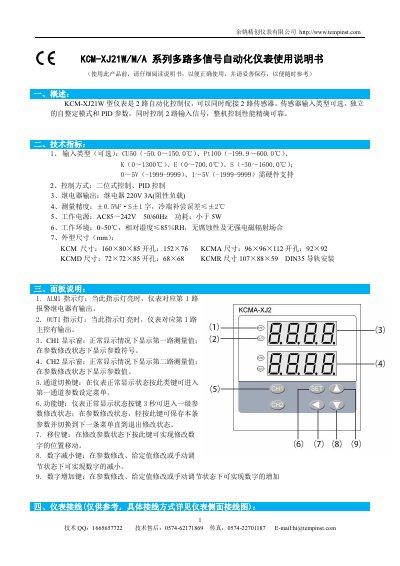
The Jingchuang KCM-XJ21W/M/A series instruments are 2-channel automation controllers capable of connecting two sensors with selectable input types. They feature independent auto-tuning modes and PID parameters for precise control of two input signals. The device supports two-position and PID control methods with relay outputs rated for 220V 3A resistive loads. This manual is written in Chinese.
| Input Types | CU50, Pt100, K, E, S, 0-5V, 1-5V |
|---|---|
| Control Methods | Two-position control, PID control |
| Relay Output | 220V 3A (resistive load) |
| Measurement Accuracy | ±0.5%F·S±1 digit |
| Operating Power | AC85~242V 50/60Hz |
| Operating Temperature | 0~50℃ |
| RS485 Communication | Baud rates 1200, 2400, 4800, 9600 |
Press the Function key (SET key) for 3 seconds while the instrument is in normal display mode.
Set the Setpoint (SP), set the Deadband (Hy) to 0.5~1, and set the AT parameter to 1. The instrument will then enter auto-tuning mode.
The instrument has memory function, so it will restart the auto-tuning process upon the next power-on.