
JBC P-105 Pedal User Manual covering installation, technical specifications, warranty, and station setup for the foot pedal.
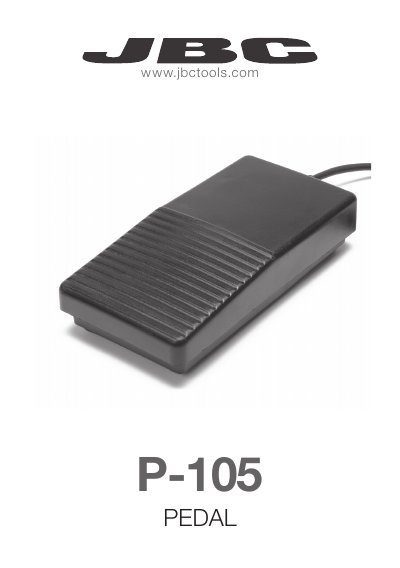
The JBC P-105 Pedal lets users place the electronic component in the correct position on the PCB without causing thermal stress until the solder joint is made.
The document explains how to install the pedal by connecting the tool holder and plugging it into the equipotencial connector at the back of the station. It also lists dimensions, cable length, warranty terms, and instructions for setting the station's Hibernation Delay to 0 min.
| Dimensions | 102 x 198 x 45 mm |
|---|---|
| Cable length | 1.9 m |
| Warranty | 2 years |
Disassemble the tool holder, insert it through the connection, reassemble and fasten the screw, adjust the connection position, and plug the pedal into the equipotencial connector at the back of the station.
JBC provides a 2 years warranty against manufacturing defects, covering replacement of defective parts and necessary labour.
Set the Hibernation Delay feature to 0 min so the tool does not heat the component until the pedal is pressed.