
JBC DS360 Micro Desoldering Iron instruction manual covering setup, desoldering, tip and filter changes, maintenance, safety, and specifications.
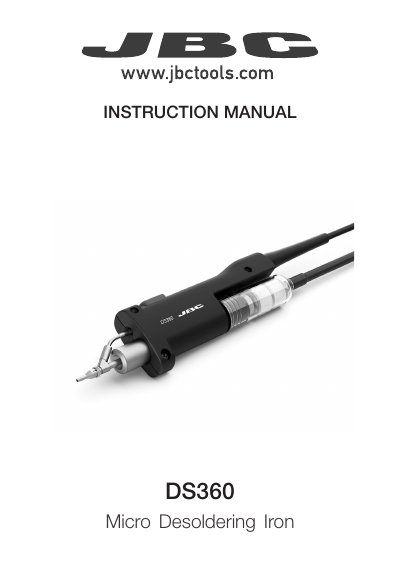
The JBC DS360 Micro Desoldering Iron is supplied as reference DS360-A with a C360004 tip already inserted and a manual. The packing list also includes cleaning rods, ten C360 tips, a cleaning brush, two union flanges, two solder collectors, and a filter.
The manual explains connecting the iron to a desoldering module and stand, placing the tip over the component terminal, using circular movement when solder liquifies, and pressing the vacuum pump button to remove solder. It also covers changing the heating element, iron filter and tips, cleaning the solder collector, tip care, general maintenance, safety, specifications, and warranty.
| Reference | DS360-A |
|---|---|
| Supplied tip | C360004, through-hole desoldering, Ø 1.2 |
| Total net weight | 176 g / 0.39 lb |
| Package dimensions / weight | 300 x 125 x 65 mm / 341 g (11.81 x 4.92 x 2.56 in / 0.75 lb) |
| Compatible tips | C360 tips |
| Standards | Complies with CE standards; ESD safe |
The DS360 uses C360 tips; different sizes are available for through-hole desoldering and pad cleaning.
Use flat-nosed pliers to twist and pull the tip. Do this while the tip is hot and at a minimum temperature of 250°C so any tin inside is still molten.
Remove the filter, take out the solder collector with the metal solder retention, and use the cleaning brush (ref. 0008297) or replace the collector.
JBC provides a 2-year warranty covering manufacturing defects, and an extra year is available by registering within 30 days of purchase.