
The JT high-power hot air station is a hot air gun produced by JBC company. It has a variety of functions, and can set temperature, air flow, wind speed and other parameters through the control screen, and can store multiple configuration files for easy use.
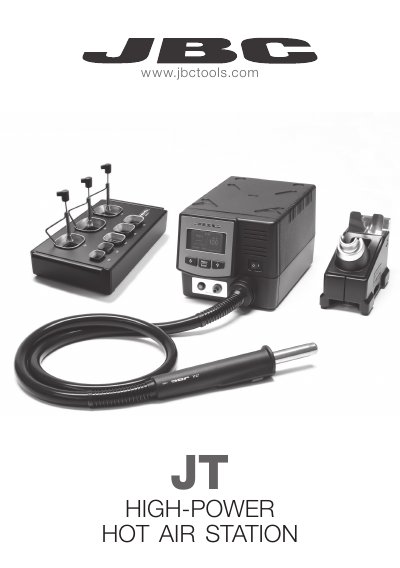
The document provides instructions for installing and operating JBC High-Power Hot Air Stations. It details how to switch between Manual Mode and Profile Mode using the control screen keys and explains how to create or edit temperature profiles consisting of time, temperature, and flow rate parameters.
The guide also includes procedures for maintenance tasks such as replacing the heating element and changing the heating set. Technical specifications are listed at the end, covering operating temperatures, power output, air flow regulation, and electrical requirements for different voltage models.
| Temperature selection range | Room temperature to 450°C (850°F) |
|---|---|
| Cool mode capability | Can be used to blow air at room temperature |
| Ambient Operating Temperature | 10 to 40°C (60-104°F) |
| Output Peak Power | 1000W |
| Air flow regulation range | 6-45 I/min |
| Total weight of unit | 2.3Kg (6.1lb) |
Press the 'increase' and 'decrease' keys simultaneously for 2 seconds.
The station can store up to 25 temperature profiles.