
The JACO 300 Series Mobile Cart User Manual provides specifications, safety guidelines, assembly steps, and maintenance instructions.
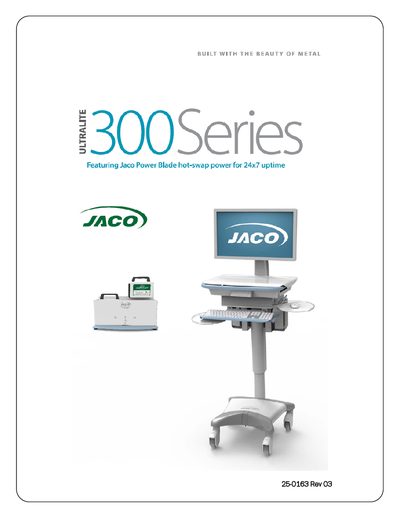
This manual covers the JACO 300 Series Mobile Cart, detailing model numbers, part numbers, labeling, general specifications, power monitoring, Wi‑Fi connectivity, safety recommendations, and proper operation. It also includes step‑by‑step instructions for unpacking, assembly, height adjustment, and installing computers, monitors, scanners, keyboards, and optional accessories.
Additional sections describe the Power Blade Battery Pack and Charger, input/output connections, agency certifications, and troubleshooting procedures. The document is intended for end users and service personnel to safely set up, use, and maintain the cart in healthcare and other professional environments.
| Work Surface Height | 30" to 46" |
|---|---|
| Keyboard Height | 25.5" to 41.5" |
| Cart Weight (310 Laptop Cart) | 86 lbs (includes 2 Power Blade Battery Packs & base counterweight) |
| Power Blade Battery Pack dimensions | 7" x 3.5" x 6" and 5 lbs |
| Power Blade Charger (Wall Mount) dimensions | 17.25" x 8.0" x 4.0" and 6 lbs |
Insert a paper clip into the reset port at the back of the cart and press the internal button; the unit will beep to indicate a system reset.