
User manual and datasheet for the Jabra SPORT wireless Bluetooth headset, featuring military-grade protection and FM radio for sports activities.
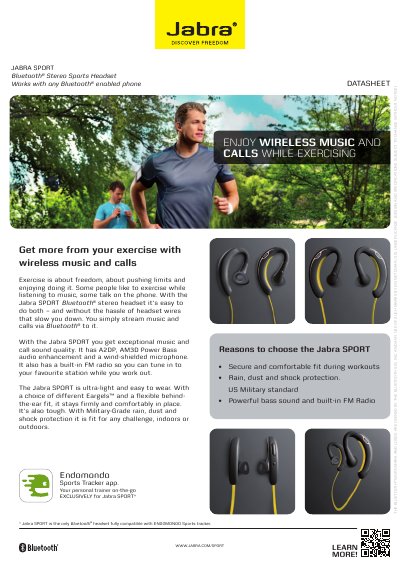
The Jabra SPORT is an ultra-light wireless Bluetooth stereo headset designed for exercise, providing the ability to stream music and calls without wires. It features a flexible behind-the-ear fit with various Eargels for a secure and comfortable fit during workouts.
Built for durability, the headset is tested against US Military standards for rain, dust, and shock resistance. It includes integrated AM3D Power Bass for enhanced audio, a wind-shielded microphone, and a built-in FM radio.
| Protection Standard | US Military standards for rain, dust & shock resistance and IP54 |
|---|---|
| Talk Time | Up to 4.5 hours |
| Music Time | 3 hours |
| Standby Time | 4 days |
| Bluetooth Profile | 3.0 |
| Charging Time | Approximately 2h |
Turn on the headset and it will automatically enter pairing mode, then search for Bluetooth devices on your phone and select Jabra SPORT.
If prompted for a PIN code, enter 0000.
Ensure the headset is on and press the FM button (E); use the Volume up or down buttons for 1 second to seek stations.