
User manual for the Jabra Speak 710 speakerphone, covering connectivity, charging, and usage for small and large meetings.
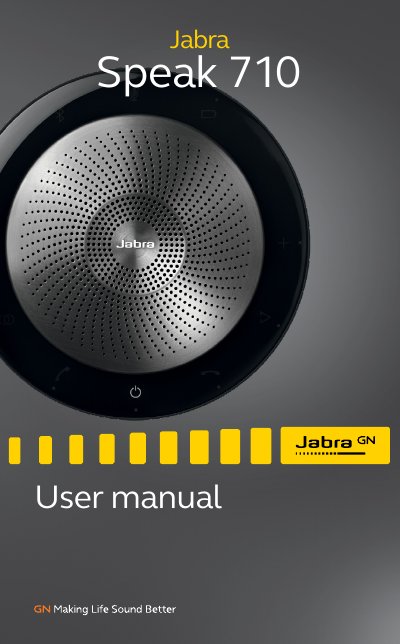
The Jabra Speak 710 is a portable speakerphone designed for immersive sound during calls and music. It features plug-and-play connectivity via USB or Bluetooth for laptops, smartphones, and tablets, and is certified for Avaya, Cisco, and Skype for Business.
The device is scalable for different environments, supporting up to 6 people in small rooms or up to 12 people when two units are linked. It includes a Smart button for voice assistant interaction and a protective travel pouch.
| Battery Life | 15 hours |
|---|---|
| Model Number | PHS040W / END040W |
A single unit is ideal for up to 6 people in a small meeting room.
Press the Link button on both speakerphones while they are within 2 meters (6 feet) of each other.
Jabra Direct is the PC software used to support, manage, and update the firmware of Jabra devices.