
This Jabra Speak 710 user manual covers placement, charging, USB and Bluetooth connections, buttons, Microsoft Teams, Jabra Direct software, and care.
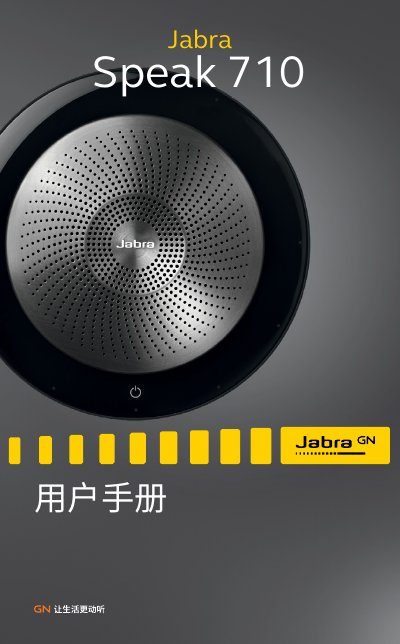
The Jabra Speak 710 is a speakerphone for calls and music, with a lightweight design, travel pouch, and 15 hours of battery life. It connects to computers through USB or a Bluetooth adapter, and to smartphones and tablets through Bluetooth.
The manual covers placement in small and large meeting rooms, desktop use, and stereo pairing of two units. It also explains charging and battery status, button functions including the Link and Microsoft Teams buttons, multi-call handling, factory reset, Jabra Direct software and firmware updates, and device care. This manual is written in Chinese.
| Battery life | 15 hours |
|---|---|
| Model number | PHS040W / END060W |
| Indoor use | Indoor use only |
| Maximum temperature | Above 60°C/140°F |
It provides 15 hours of battery life.
The Jabra Speak 710 has 15 小时 of battery life.
Place it in the middle of the table, no more than 2 米/6 英尺 from each attendee.
Avoid storing it above 60°C/ 140°F or below -40°C/-40°F.